Restyle part of a photo. Keep the rest real.
Pick the person, the background or an area you mark, then one of 16 media: watercolor, clay, anime, paper cut, embroidery and more. hueflo is an online studio that edits only that part with generative AI.
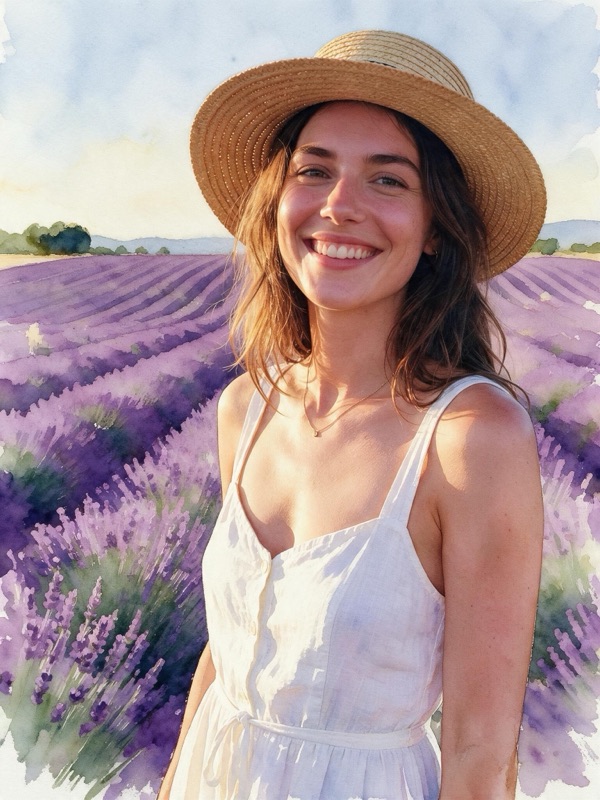


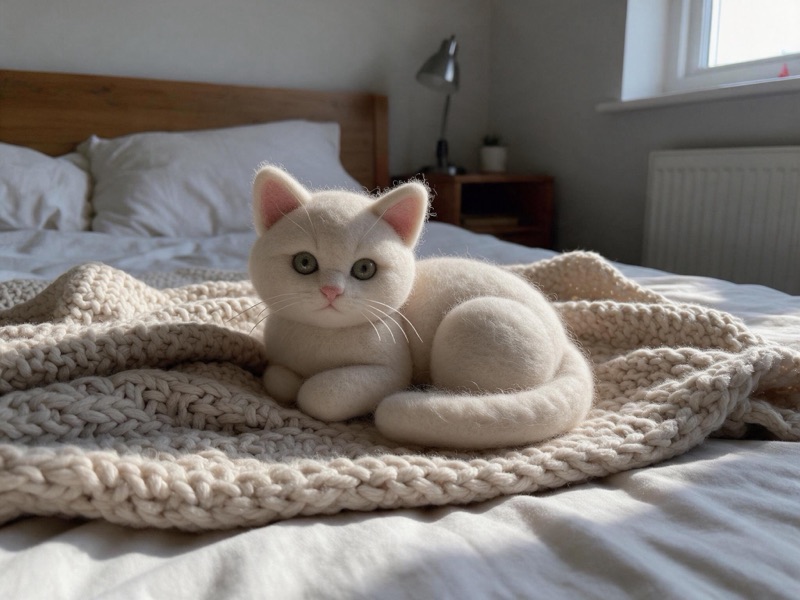
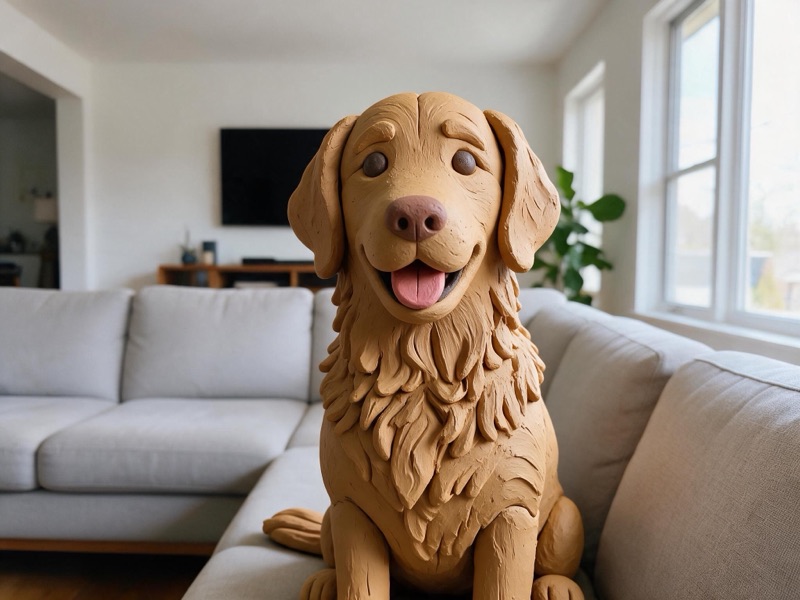
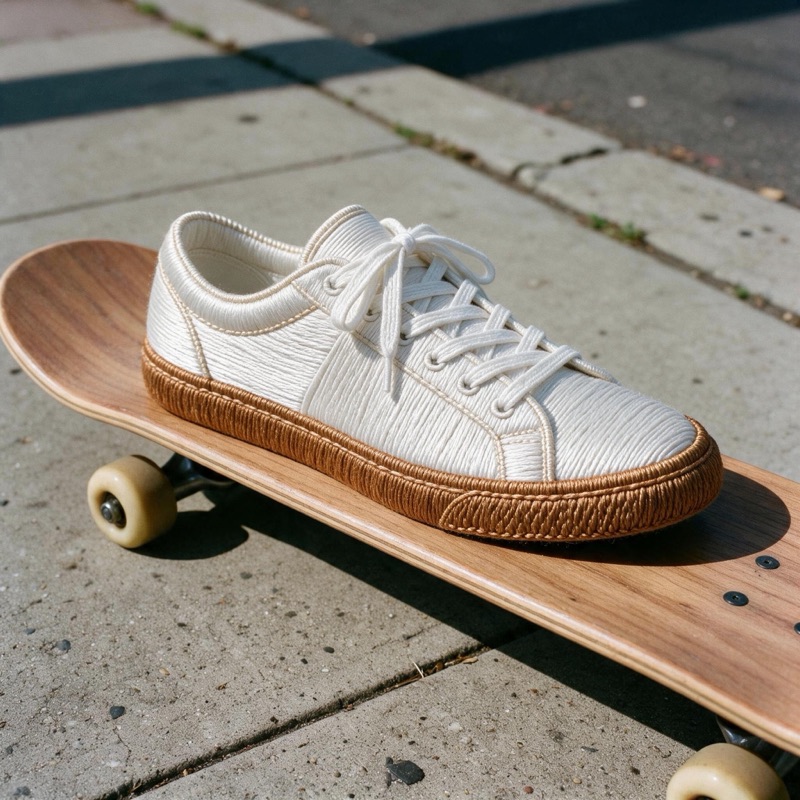
Example source photos are AI-generated; the results were made by hueflo itself, unretouched.
Your first edit is free. After that, from about $0.28 per edit, paid with Telegram Stars. Sign in with Google to start.
Questions
What is hueflo?
hueflo is an online studio that restyles one part of a photo with generative AI. You pick the person, the background or an area you mark, choose one of 16 media, and the rest of the photo stays photographic.
Which styles can I choose?
16 media: Cel animation, Halftone comic, Pixel art, Watercolor, Ink wash, Linocut, Impasto, Soft 3D, Low poly, Voxel, Clay, Layered paper, Origami, Needle felt, Embroidery, Stained glass. You can also describe a style of your own.
How much does it cost?
Your first edit is free. After that an edit costs 18 credits, from about $0.28. Credits come in packs starting at 100 Telegram Stars (about $2). If an edit fails, the credits are refunded automatically.
How do I pay?
With Telegram Stars. Choose a pack, pay the invoice in Telegram, and the credits are added to your account.
Are my photos private?
Yes. Photos and results are kept in private storage with no public links, and only you can open them after signing in. You can delete any creation at any time, and we do not train our own models on your photos. To make an edit, the image is sent to the AI model provider through OpenRouter.
Will the rest of my photo stay exactly the same?
It stays photographic, but not pixel-identical: the AI redraws the whole image, so small details outside the selected area can shift. Every result gets an automatic review, and you can ask for up to 2 targeted repairs; each repair uses credits.
What do I need to start?
A Google account to sign in (or your Telegram account when opened inside Telegram) and a photo (JPEG, PNG or WebP, up to 15 MB). Results are rendered at 2K.